Coldbet App Download — APK for Android & iOS Installation Guide
The Coldbet mobile app gives you access to sports betting, casino games, live dealers, and account management from your phone. Since the app isn't available on Google Play or the App Store, this guide walks you through the Coldbet download and installation process for both Android and iOS devices.
Download Coldbet App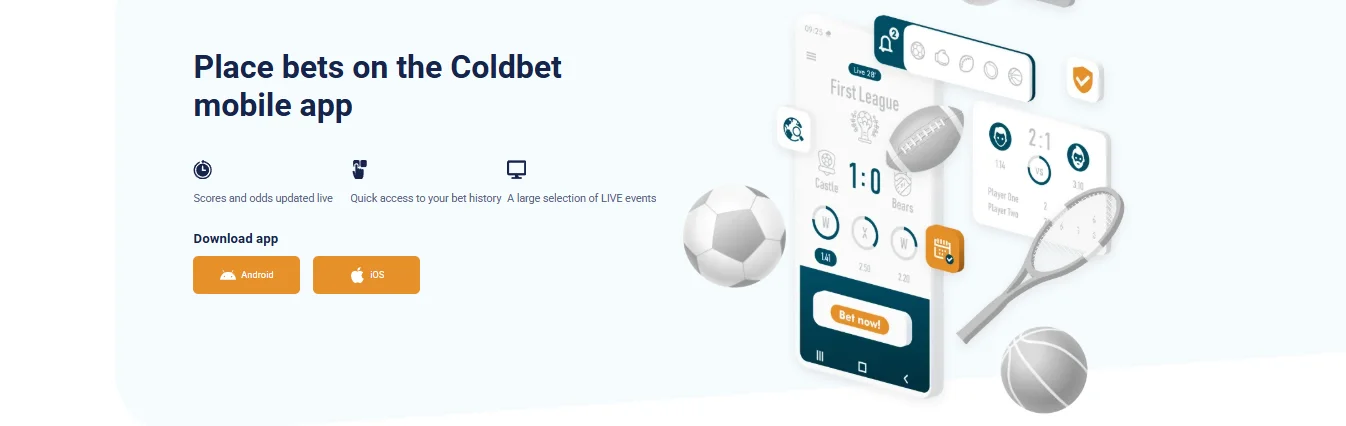
Coldbet APK Download for Android — Step by Step
Android users need to download the Coldbet APK file directly from the official website. Here's the process:
Open the official Coldbet website on your Android phone's browser (Chrome, Firefox, or any other).
Scroll down to the app section or look for the "Download app" area. You'll see buttons for Android and iOS.
Tap the "Android" button. The Coldbet APK file will start downloading to your phone.
Before installing, go to your phone's Settings → Security (or Settings → Apps → Special access) and enable "Install from unknown sources" for your browser. On newer Android versions, you may be prompted to allow this automatically.
Open the downloaded APK file from your notification bar or file manager. Tap "Install".
Wait for installation to complete, then tap "Open" to launch the Coldbet app. Log in with your existing account or create a new one.
Why Isn't the Coldbet APK on Google Play?
Google Play restricts real-money gambling apps in most regions, including Sri Lanka. This is standard across the industry — most international betting platforms distribute their Android apps as APK files downloaded directly from their website. The Coldbet APK is safe to install as long as you download it from the official site. Avoid third-party APK hosting sites.
Coldbet App for iOS — TestFlight Installation
iOS users access the Coldbet app through Apple's TestFlight programme. Here's how:
Open the official Coldbet website on your iPhone using Safari.
Navigate to the app download section and tap the "iOS" button.
You'll be redirected to the Apple TestFlight app. If you don't have TestFlight installed, you'll be prompted to download it free from the App Store first.
In TestFlight, tap "Accept" to join the Coldbet beta, then tap "Install" to download the app.
Once installed, the Coldbet app appears on your home screen like any other app. Open it and log in or register.
TestFlight apps are reviewed by Apple and are safe to use. They function identically to App Store apps — the only difference is the distribution method.
What Can You Do in the Coldbet Mobile App?
The app mirrors the full desktop experience. Here's what's included:
- Sports betting — pre-match and live betting on football, cricket, basketball, tennis, esports, and dozens of other sports with real-time odds
- Casino games — slots, table games, crash games, and the full games library from all providers
- Live casino — stream live dealer tables directly on your phone
- Account management — deposits, withdrawals, bonus tracking, bet history, and profile settings
- Push notifications — get alerts for your active bets, promotions, and events you're following
Exclusive Coldbet App Free Bet
This is the standout reason to use the app rather than the mobile browser. Coldbet runs an app-exclusive promotion:
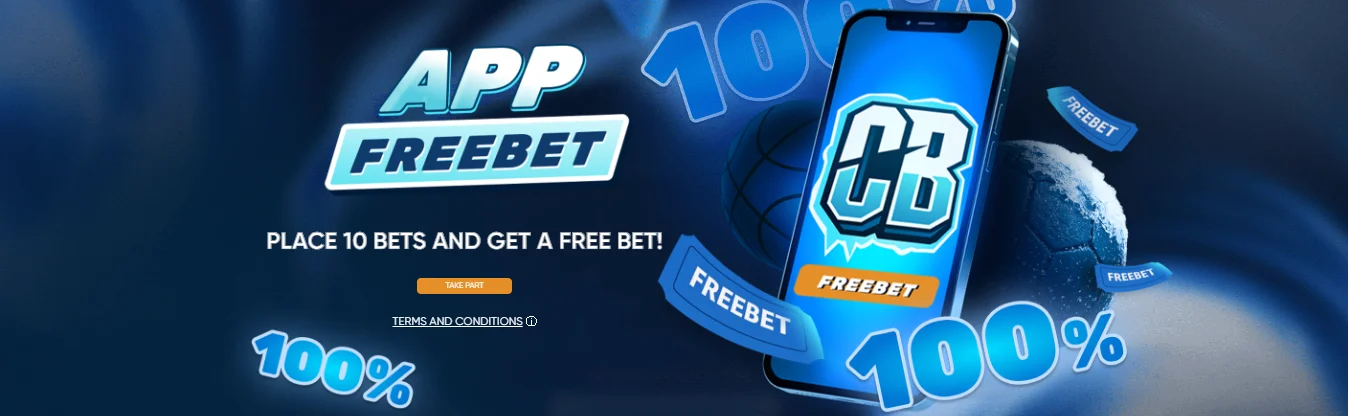
App Free Bet — Up to 10 EUR
Place 10 bets of at least 1 EUR via the app → receive a free bet worth the average stake (max 10 EUR)
Here are the qualifying conditions: singles must be at odds of 1.4 or higher, and accumulators need 2+ selections each at 1.3+ odds. Both pre-match and live bets count. The free bet itself must be used on a pre-match or live accumulator with 4+ selections at 1.4+ odds each, within 72 hours of being credited.
This promotion runs from 23 June 2025 through 21 June 2026. Tap "Take part" on the offer page inside the app before you start placing qualifying bets. One free bet per account, per family, per IP address.
Coldbet App vs. Mobile Browser — Which Is Better?
Both options work, but the app has some advantages. It loads faster since core assets are stored locally. Push notifications keep you updated on live bets without needing to keep the browser open. And the app free bet promotion is only available through the app — you can't trigger it from the mobile browser. For full details on all available promotions, see our bonuses guide.
On the other hand, the mobile browser requires no installation and works on any device without the APK/TestFlight process. If you prefer not to install additional apps, the mobile site is a perfectly functional alternative. Either way, don't forget to use promo code PROMOCOLD when you register to activate the full welcome package.
Coldbet App Download FAQ
Visit the official Coldbet website on your Android phone, find the app download section, and tap the Android button. The APK file downloads directly. Enable "Install from unknown sources" in your phone settings, then open the downloaded file and tap Install.
No. The app is not available on Google Play or the Apple App Store. Android users download the APK from the official website. iOS users install it via Apple's TestFlight programme.
Yes, when downloaded directly from the official Coldbet website. Never download APK files from third-party sites. The official APK is regularly updated and safe to use.
Place 10 bets of at least 1 EUR through the app to earn a free bet worth your average stake, up to 10 EUR. Singles need 1.4+ odds, accas need 1.3+ per selection. The promotion runs until 21 June 2026.